CHRISTMAS /
Make the season feel like you.
Make a little holiday magic.
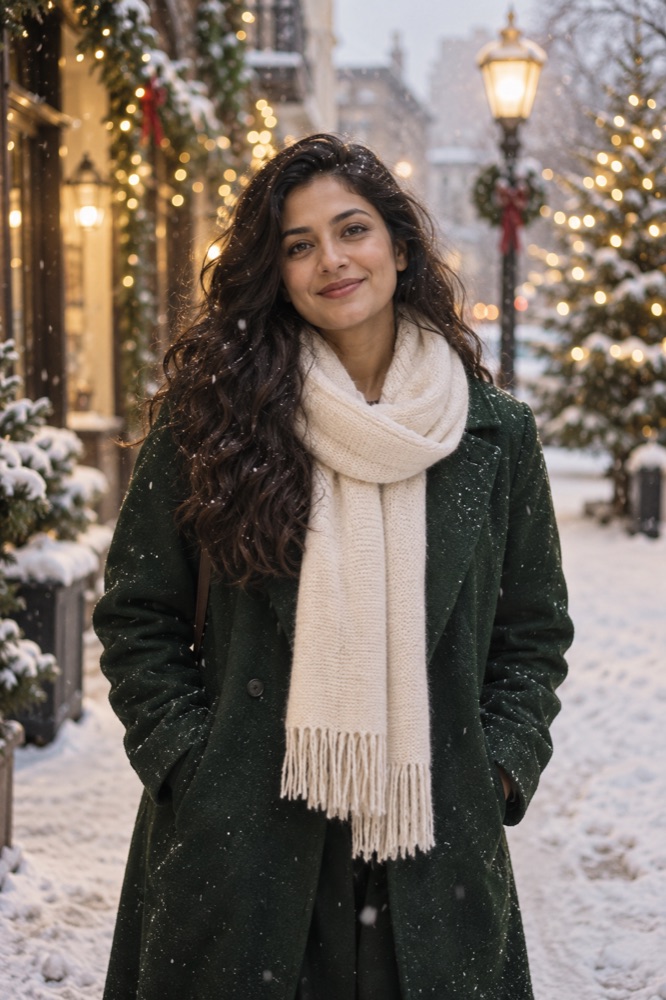
Christmas, in its own mood.
Frame an adult portrait with warm lights and soft snow, or reveal a product among ribbons and evergreen. Keep the face or product clear instead of burying it under decorations.
A MESSAGE TO START WITH“A little holiday glow, from me to you.”
Use custom text in photo-animation mode or add it in a later edit. It is not automatically included in AI video.
Find your seasonal look.
One reference photo. Five-second vertical clips.
Creation depends on service availability.
CHRISTMASHoliday portrait
Snow, warm lights, and a greeting that feels like you.
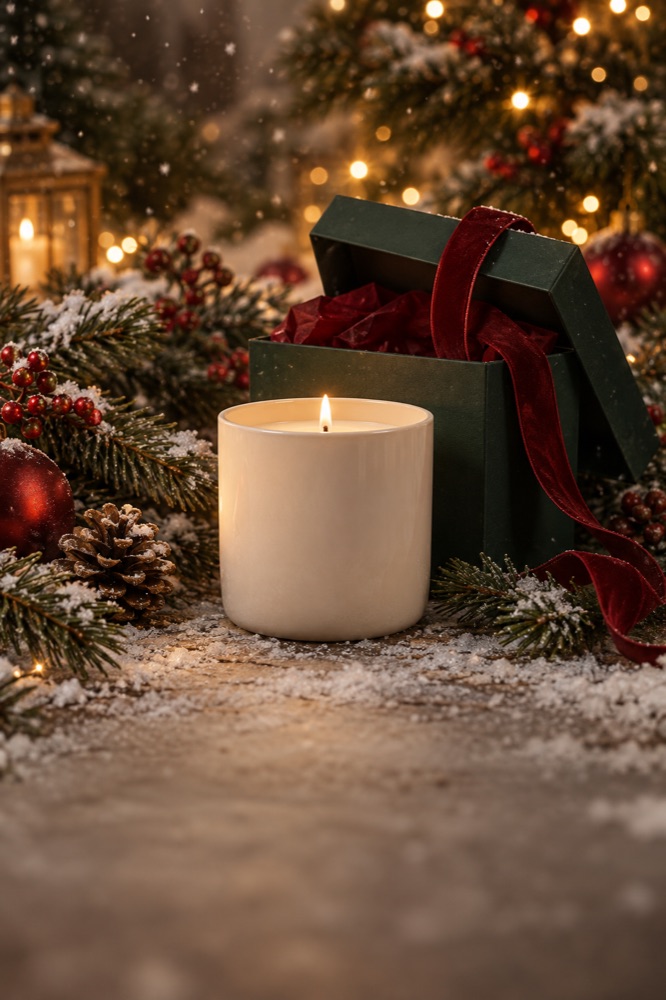 GIFT SEASON
Unwrap something good
Build a little anticipation for your next drop.
Illustrative style concepts. AI output varies by input photo.
How do I make a Christmas video from a photo?
Choose a matching style concept, use a clear authorized adult, pet or product photo and check the homepage studio’s current availability before uploading. A seasonal palette, suitable props and one clear message work better than adding every decoration at once.
Read the holiday photo-video guide →Holiday template questions →